Go to homepage

#statusMessage#

Do you want to start the comparison now?

Note
Select at least one product via the “Compare” function to activate the product comparison.

Configuration Guide for Your
Smart Sensor Camera System.


From the camera to integration – this concise guide helps you select your FLIR thermal imaging camera so that you obtain the optimum solution for your measurement task. We are also available to support you with application-specific, practical configuration advice.

Get a free consultation now

Configure the System You Need:


1. Select the Camera Model.


Which product series is suitable for your application?

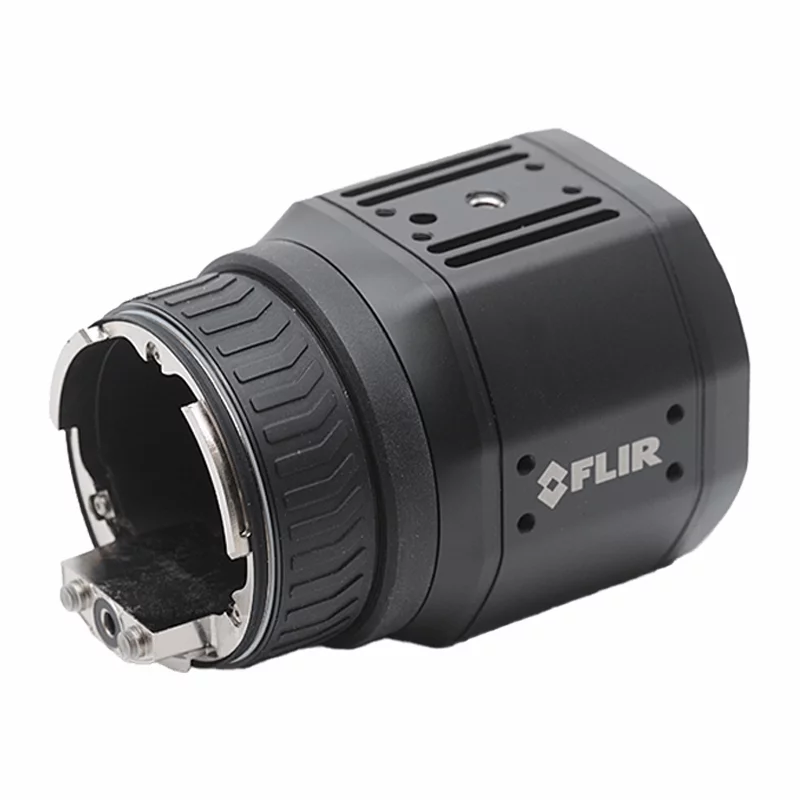
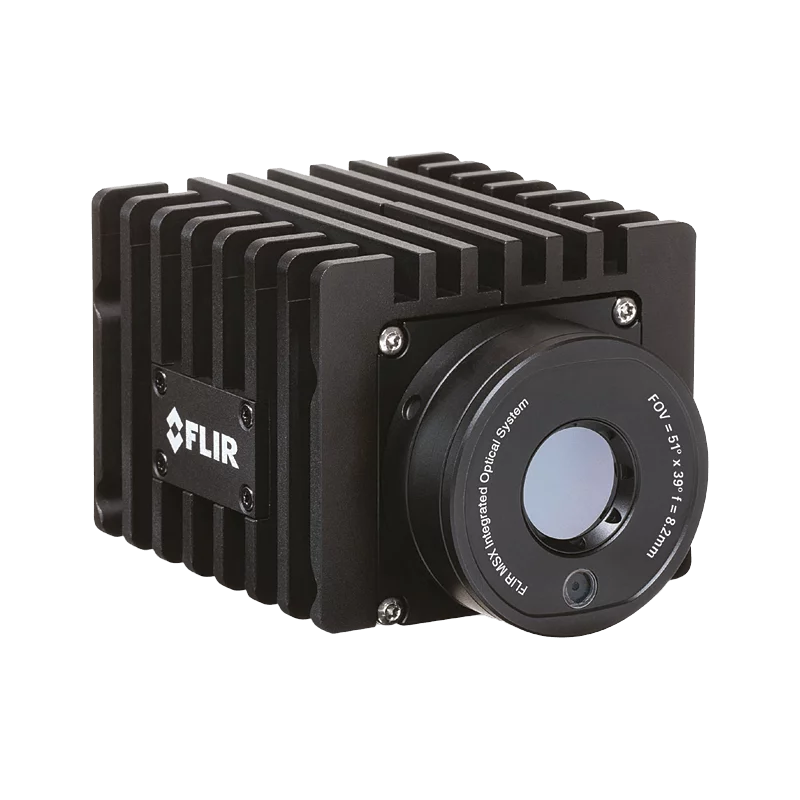
A50 / A70 Smart Sensor

Recommended for:

  • Condition monitoring of individual equipment or processes
  • Early fire detection
  • Simple series applications with defined measurement tasks

A400 / A500 / A700 Smart Sensor

Recommended for:

  • Quality inspections in production lines
  • Complex measurement tasks with variable distances
  • Critical infrastructure and high-temperature applications

Note: The greater the requirements for flexibility, measurement accuracy and object variety, the more suitable the Axxx series is.

Skip product gallery
A70
€7,250.00
Delivery time upon request
A70
€7,250.00
Delivery time upon request
A70
€7,250.00
Delivery time upon request
A400
€6,750.00
Delivery time upon request
A700
€13,000.00
Delivery time upon request

2. Image Streaming or Smart Sensor Functionality.


How should your data be processed?

Image-streaming configuration
  • Transmission of images and data to the company’s own analysis software
  • Ideal for: inline quality control, customized image analysis, R&D
Smart Sensor configuration
  • Analysis directly in the camera with result output
  • Direct connection to PLC, SCADA or cloud systems
  • Ideal for: automated monitoring and early-warning systems

Note: Both variants can be configured in a Standard or Advanced version, depending on the required range of functions.

T300390
Delivery time upon request
T300313
Delivery time upon request
T300292
Delivery time upon request

3. Select the Appropriate Lens (Axxx Series Only)


Which target object needs to be captured?

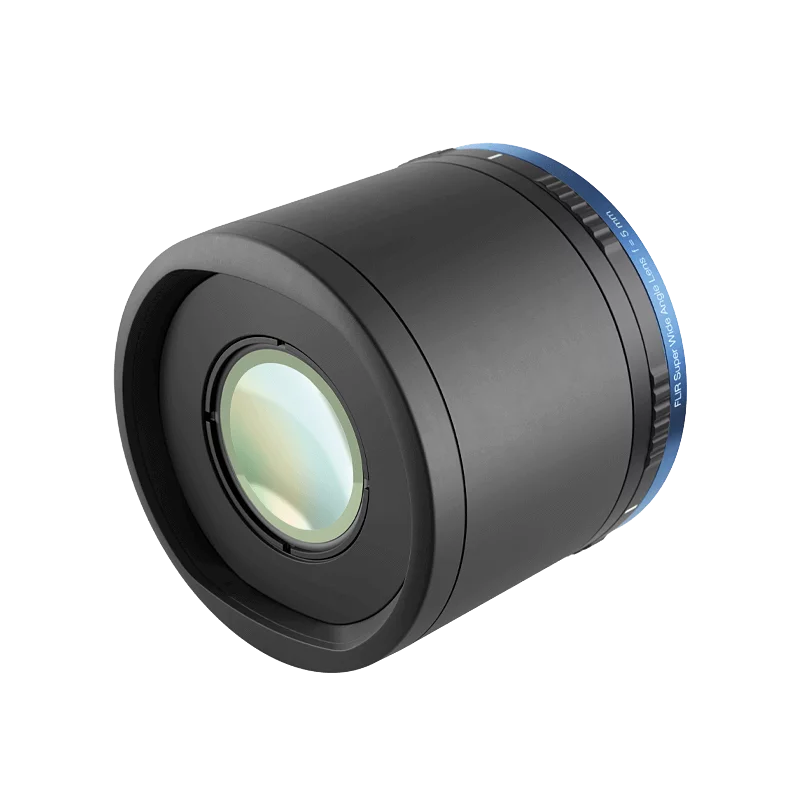
The choice of lens affects:

  • Field-of-view size
  • Level of detail for the target object
  • Distance from the measurement point

Wide-angle lens (e.g. 42°)
captures a wide field of view for imaging buildings, roofs, halls, conveyor belts or other areas where it is important to capture as much information as possible in a single image

Standard lens (e.g. 24°)
suitable for universal use in production environments, enables a safe working distance from live equipment (e.g. 3 m) and can still image smaller objects sharply

Telephoto lens (e.g. 14°)
captures distant objects or small details (e.g. defective components on power lines) with a narrow field of view for precise focusing and sharp images

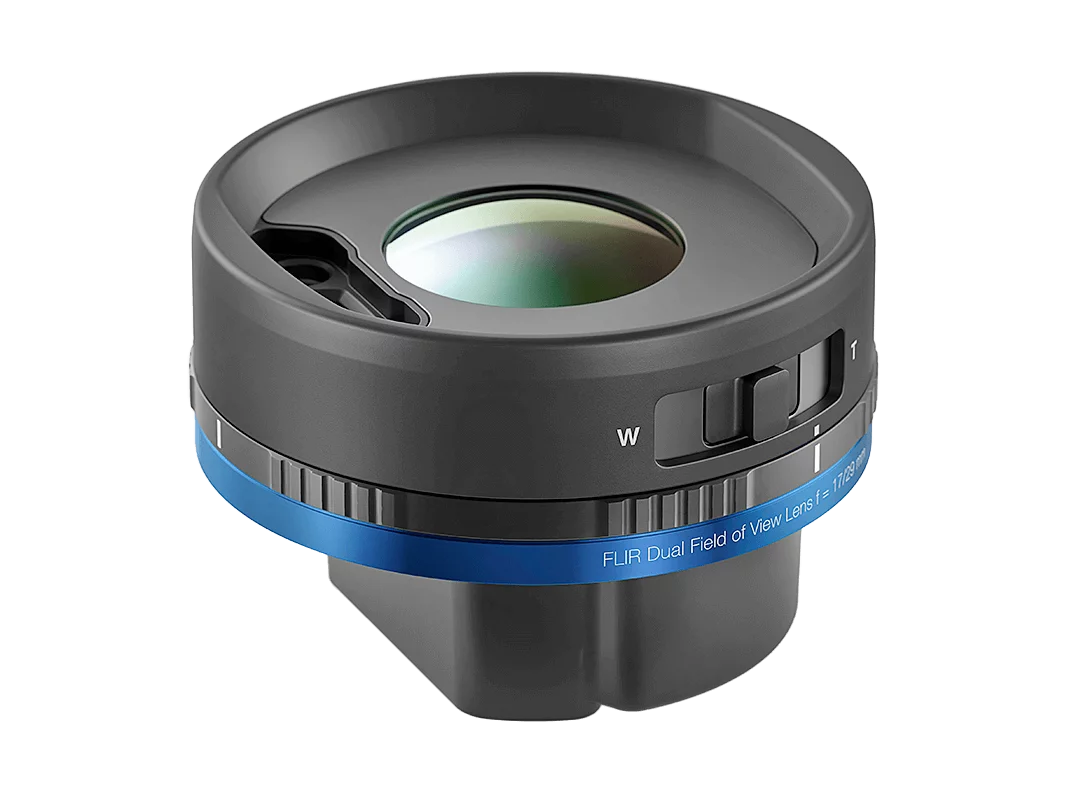
Dual FOV (FlexView™ DFOV)
with two switchable fields of view for overview and detailed analysis: wide-area scanning to detect potential anomalies or detailed inspection with greater optical zoom and higher resolution; switching is software-controlled

Practical tip: The smaller the target object or the greater the distance, the more suitable a lens with a narrow field of view (telephoto lens) is. The higher the resolution of the thermal imaging camera, the farther away the target object can be.


4. Define Software Integration


How should the raw data and thermal images be evaluated?

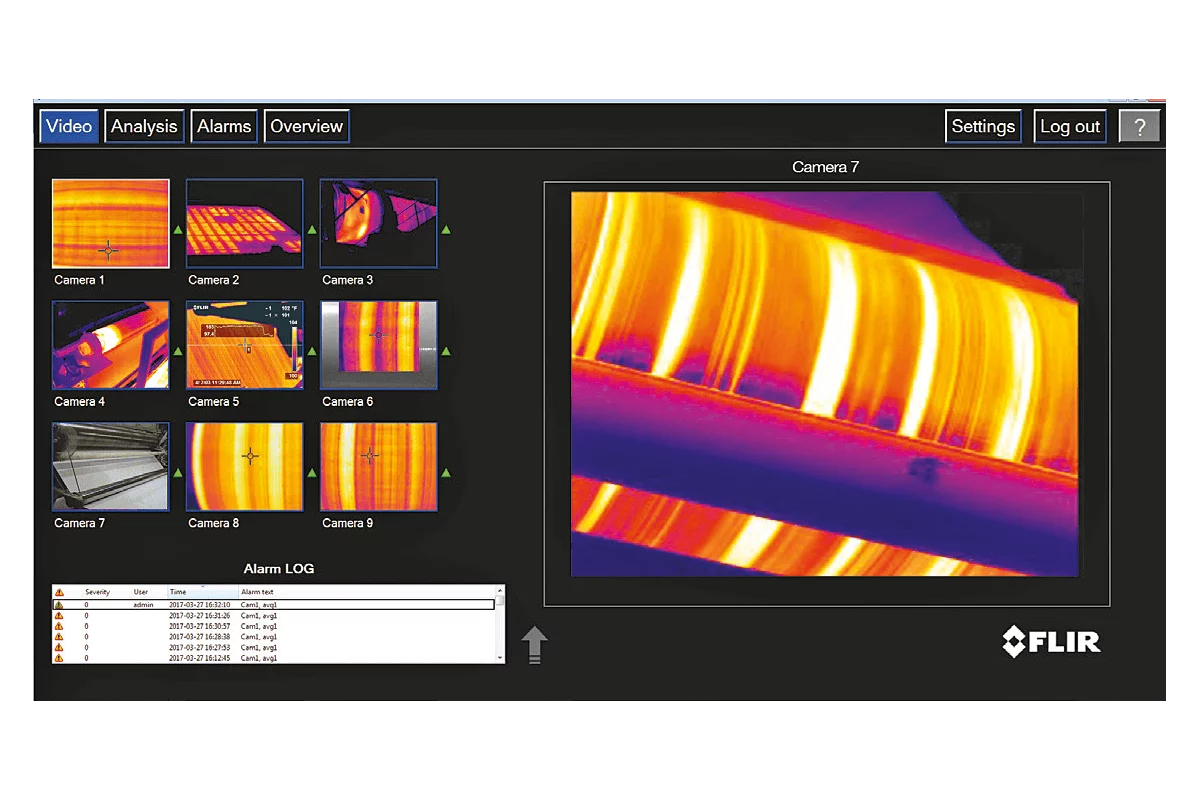
The fixed FLIR thermal imaging cameras with Smart Sensor functionality for automation can be easily integrated into the analysis software of your choice.

Examples:
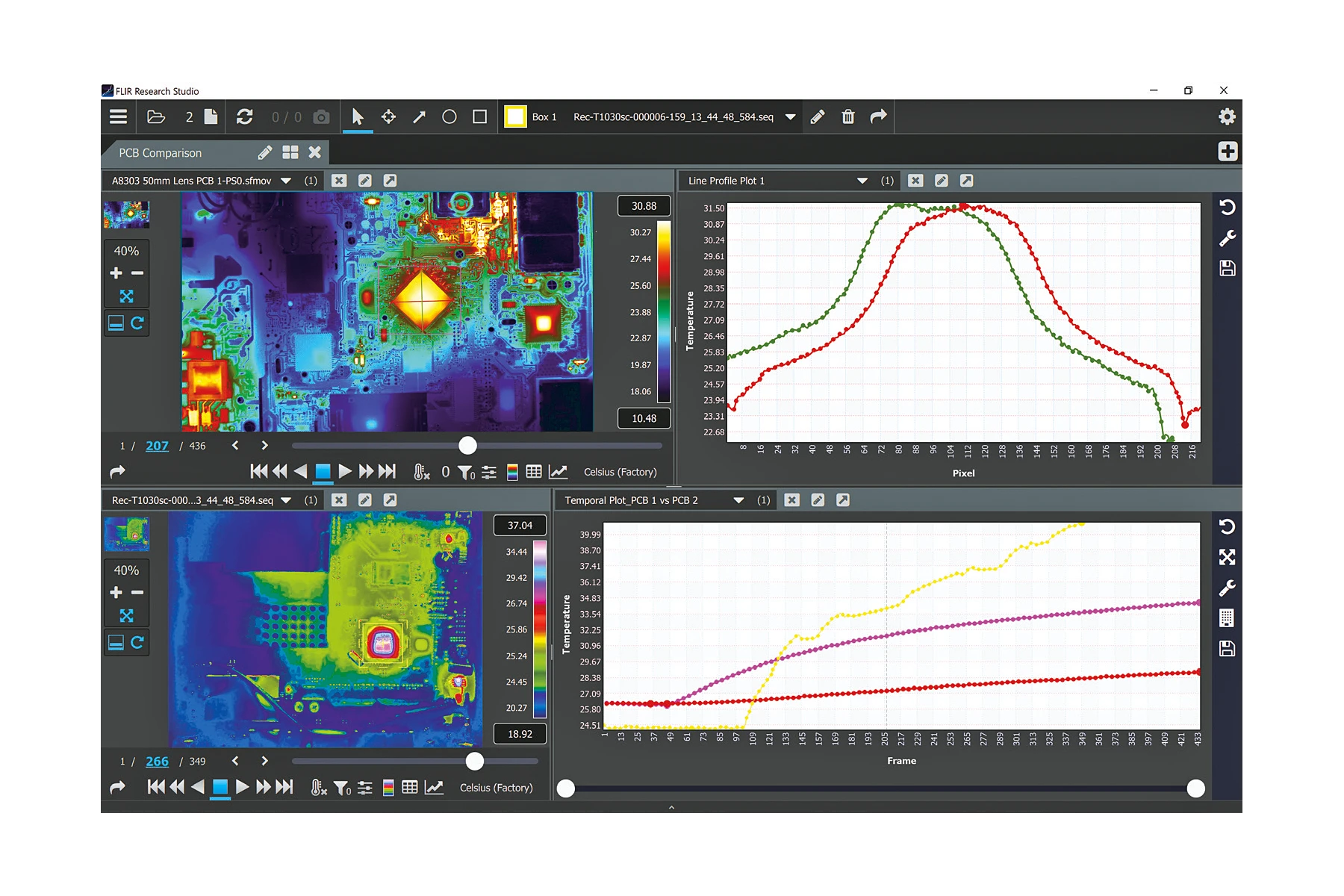
  • Cognex Designer Pro
  • NI-Vision
  • Pleora Ebus
  • Spinaker SDK
  • Teledyne FLIR Research Studio (parallel evaluation of multiple streams in R&D)
  • Teledyne FLIR iNspect Express (Machine Vision Software)

Skip product gallery
Z681K
€629.00
Delivery time upon request
4259088
€2,900.00
Delivery time upon request
4220499
On Request
Delivery time upon request

5. Integrate into Control Processes


From sensor data to an automated decision.

The fixed FLIR thermal imaging cameras with Smart Sensor functionality can actively intervene in control and safety processes, for example:

  • Production stop in the event of overtemperature
  • Warning message to control systems
  • Activation of ventilation, cooling or fire suppression systems
  • Transfer of data to maintenance or analysis platforms

For this purpose, the cameras are compatible with common communication protocols and interfaces such as GigE Vision, MQTT, REST API, Modbus TCP, EtherNet/IP, ONVIF (depending on model) or Wi-Fi (optional).

Typical integration targets:

  • SCADA / HMI Systems
  • PLC environments
  • IIoT and cloud platforms
  • Machine vision software
  • Safety and fire protection systems

Detect Equipment Failures before They Occur.

Learn more now