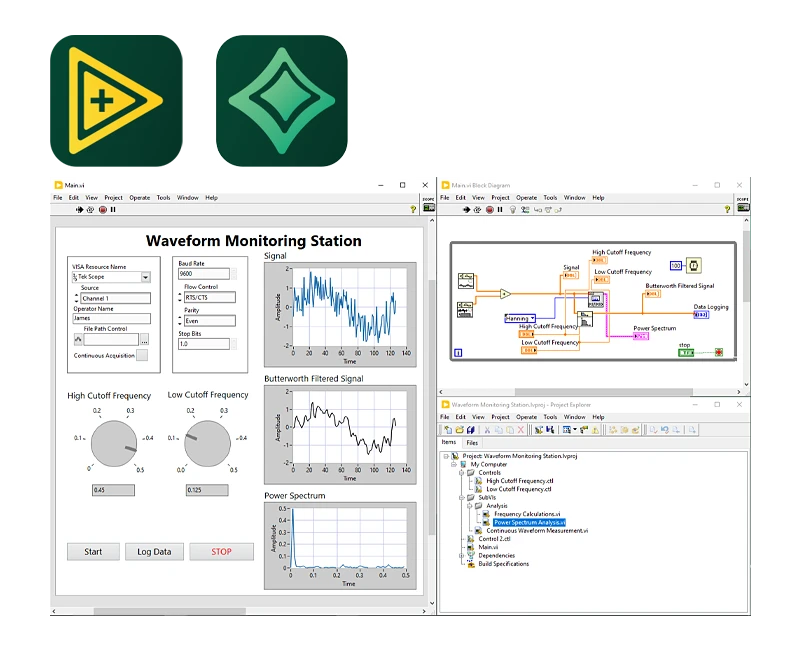
LabVIEW Professional includes all the features of LabVIEW Full and also offers capabilities for application deployment, code validation, and source code management.
The LabVIEW programming environment simplifies the integration of hardware into technical applications, enabling a consistent method of data acquisition from NI and third-party hardware.
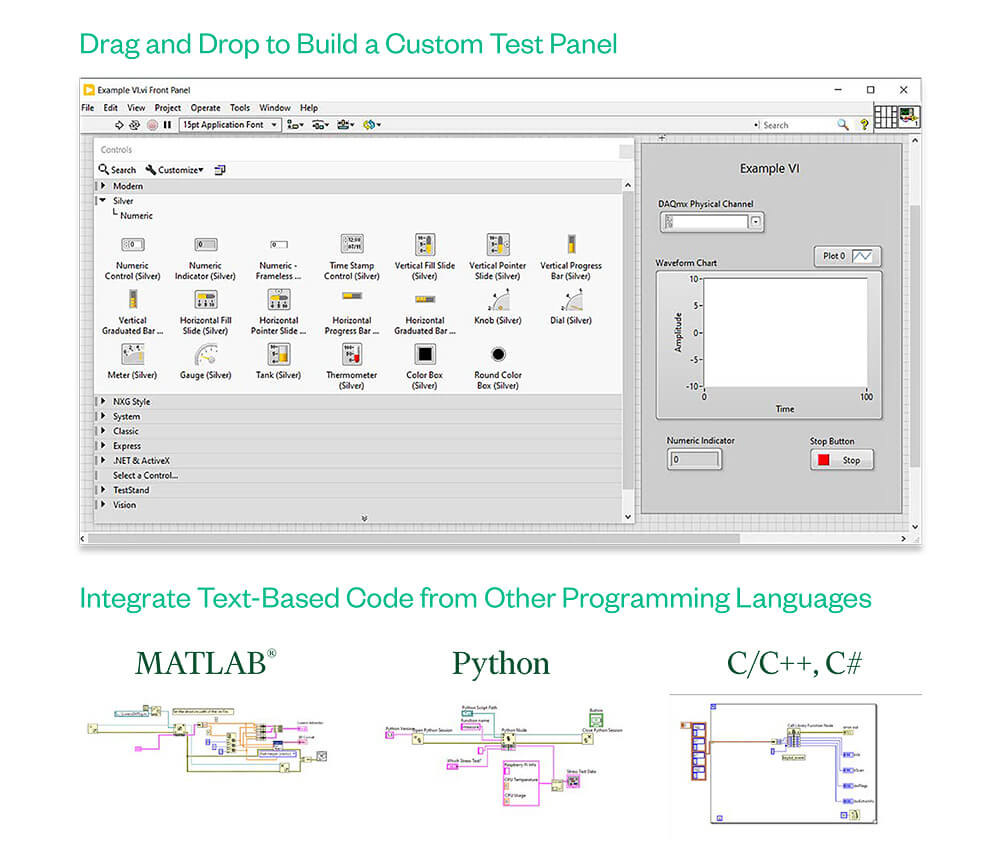
Since programming in LabVIEW is less complex than other programming methods, users can focus on the technical challenges they need to solve with LabVIEW. Because creating a user interface in LabVIEW is so easy—using pre-built elements that can be placed via drag-and-drop—the results of program execution are immediately visible.
To turn the data you’ve acquired into informed decisions, you can develop algorithms for data analysis and advanced control using built-in mathematical functions and signal processing IP, or integrate your own libraries into the program using a wide variety of tools. To ensure compatibility with other development tools, LabVIEW can interact with other software and open-source languages and use their libraries.
New Highlights and Features:
- Python:
- Now also supports Python 3.6 through 3.9
- When using the Python node, you can convert clusters into named tuples, allowing you to reference tuple elements by name
- Hidden Controls:
- You can now easily unhide hidden controls during editing by selecting Edit/Show Hidden Controls While Editing. The controls remain hidden at runtime.
- Licenses:
- No matter which operating system you use, all LabVIEW licenses provide access to LabVIEW on supported versions of Windows, Linux, and macOS.
- LabVIEW Real-Time 64-bit Module Development
- More and more toolkits and modules are compatible with the 64-bit version (Real-Time 64-bit Module Development) of LabVIEW
- Using LVCompare with Git:
- You can use LVCompare with Git to compare VIs. You no longer need a wrapper script to convert relative paths to absolute paths before passing them to LVCompare.
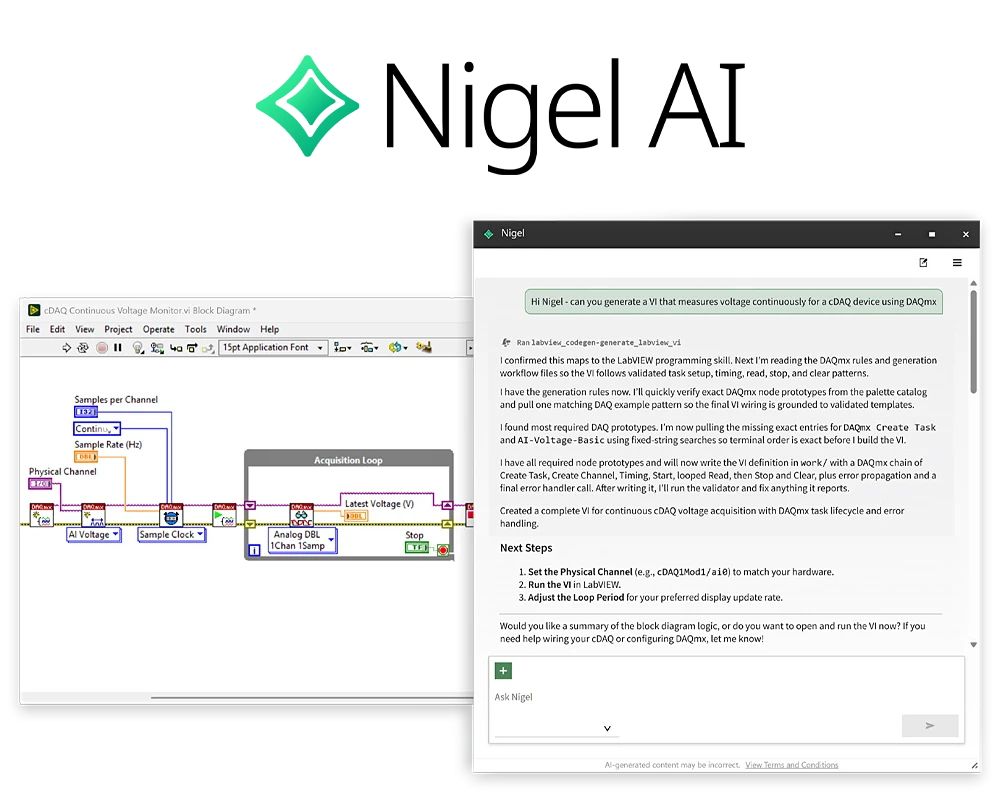
Test-optimized AI assistant Nigel AI.
The Nigel AI Advisor offers context-aware guidance, automation, and deeper insights into your NI software. Unlike general-purpose AI advisors, Nigel AI is specifically optimized for the development of test applications. It draws on decades of testing expertise and reliable data to not only provide more accurate answers but also present them in technical formats such as tables and charts—enabling you to make informed decisions faster.
Nigel AI is integrated into LabVIEW Professional* to help users onboard, develop, and review program code more quickly.
Highlights:
- Generate LabVIEW code using text prompts
- Configure sequences and instruments
- Analyze projects and get assistance with developing test systems
Since Nigel AI was developed specifically for testing and is integrated into the NI software environment, the AI works within the context of your project.
Note: Nigel AI is an optional feature and can be disabled by the user at any time. AI Advisors, including Nigel AI, are new technologies. These Advisors are still in their infancy, so they may make mistakes. Nigel AI is here to advise you, but it is important to verify the accuracy of its responses.
*Nigel AI is not available with the LabVIEW Base and Full licenses.